Features
Everything you can make with EGAKU AI
Control how a video moves, keep a character the same from shot to shot, give it a voice, add effects and go longer than a few seconds. Pick a card to open the tool.
Control the motion
Decide how the video moves instead of leaving it to chance.
Start + End Frame
Upload a first and a last image, and get a video that moves smoothly from one to the other.
OpenCamera Path
Draw a line over your image, and the camera follows that path in the video.
OpenMove a subject
In Camera Path, draw up to 3 arrows that start on a person or object; each one moves along its arrow while the camera holds still.
OpenImage Transitions
Upload 2 to 5 images, and get a video that flows from one to the next.
OpenReference to Video
Add images, video clips and audio, point to them in your prompt with tags like @Image1, and get one video built from them.
OpenCharacters that stay consistent
Keep the same face and look across images and videos.

Character Set
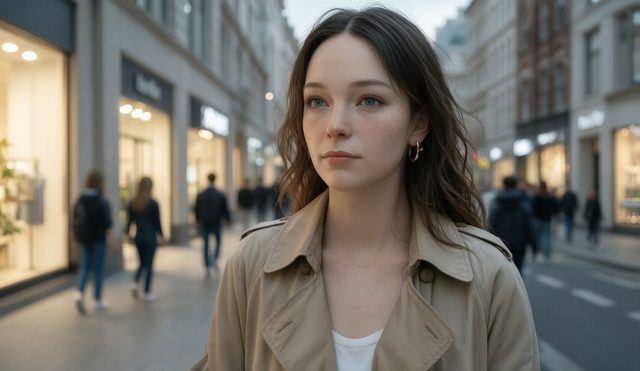
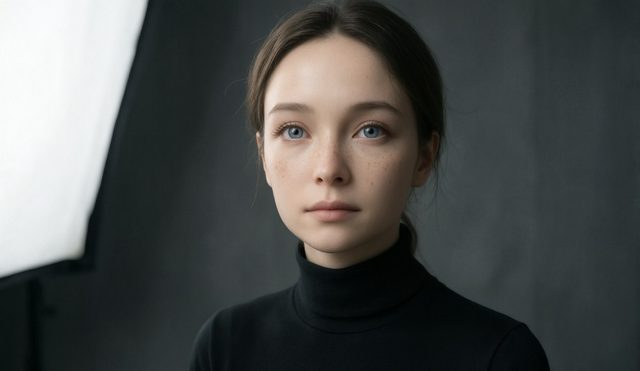
From one reference image, get a set of shots of the same character in different angles, expressions, outfits and scenes.
OpenCharacter Sheet
Make a front, three-quarter, side and back turnaround of a character that you can use as a 3D modeling reference.
OpenCharacter Reference Video
Upload 1 to 3 character images, and get a video where they stay on-model in every frame.
OpenCharacters
Save a character with its reference images, then pick it in other tools to keep the same look.
OpenTrain your own model
Upload 4 to 20 images of a character, product or art style, train your own model, and use it in later generations.
OpenVoice and sound
Make characters speak, and add voiceovers, music and sound effects.
Talking Avatar
Upload a character image and add audio or type a script, and get a video of the character speaking it.
OpenLip Sync
Upload a video of a face and any audio, and the lips move to match the audio.
OpenVoiceover
Type a script and choose a voice, and get voiceover audio for videos, ads or podcasts.
OpenMusic
Describe a mood or genre, and get an original music track.
OpenSound Effects
Describe a sound, and get a sound effect for a video, game or podcast.
OpenEffects and styles
Turn a photo into an effect video, or give a clip a new look.
Longer videos
Go past a few seconds, from one long take to a story told in scenes.
60-second video
Make a video of up to 60 seconds in one request with EGAKU's own video model.
60 seconds: 80 credits
OpenLong Form Studio
Chain 2 to 8 clips into one 30 to 90 second video, with optional background music.
OpenExtend a video
Press Extend on any video you made to add the next 5, 10 or 15 seconds from its last frame, with the same model, joined into one clip.
OpenStoryboard
Plan a video scene by scene, or draft the scenes from a one-line idea, and join them into one video.
OpenImage to Movie
Start from your images, animate each one, add music and export a single movie.
OpenImage editing
Fix and change an image before you animate it.
Image Editor
Upload an image and describe the change in words, such as a new background, an added item or a new style.
OpenExpand Image
Extend an image beyond its borders, and the new area continues the scene.
OpenObject Removal
Paint over something in an image, and it is erased cleanly.
OpenFind & Replace
Paint over an object and describe what should replace it.
Open