Why mainstream AI stops at “swimsuit”
You see photoreal, alluring AI portraits on X and want to make your own. But the moment you type “swimsuit” or “sultry” into ChatGPT (DALL·E), Grok, or Midjourney, it gets refused. Rephrasing doesn't help — you just get bland, watered-down results.
That's because these services run a safety classifier before output, scoring exposure, sexual suggestion, and estimated subject age, and blocking anything over a threshold. Swimsuit, lingerie, and gravure styles get cut by category no matter how tasteful the image. Rephrasing your prompt is knocking on a locked door with different words — it doesn't open.
The answer: stop using a general assistant, use a dedicated image tool
It's simple: stop trying to out-phrase a general-purpose chat assistant and use a tool built for image generation. General assistants stop at the word “swimsuit” alone, while a dedicated image service — with age verification and a content policy — can treat gravure and portrait work as the photographic genre it is. EGAKU is one of those, so the recipes below reproduce directly.
⚠️ Note: at busy times, generating too much too fast can trigger a temporary rate limit. It's lightest right now — try your favorite recipe while it's quiet. → Try it free now
Recipe 1: Competitive-swimsuit gravure (photoreal, adult woman)
The key is highlight-lit skin and a wet-look texture. To avoid a plastic feel, specify film tone and soft natural light.
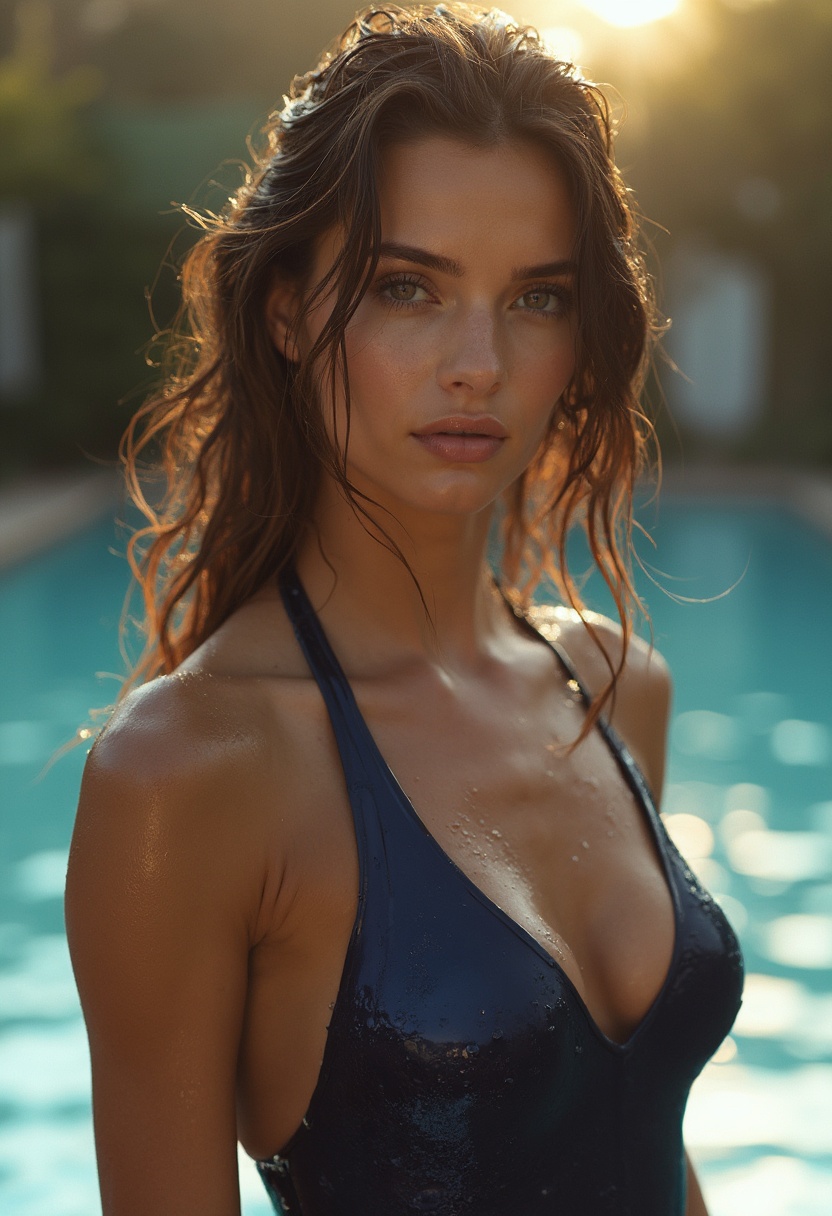
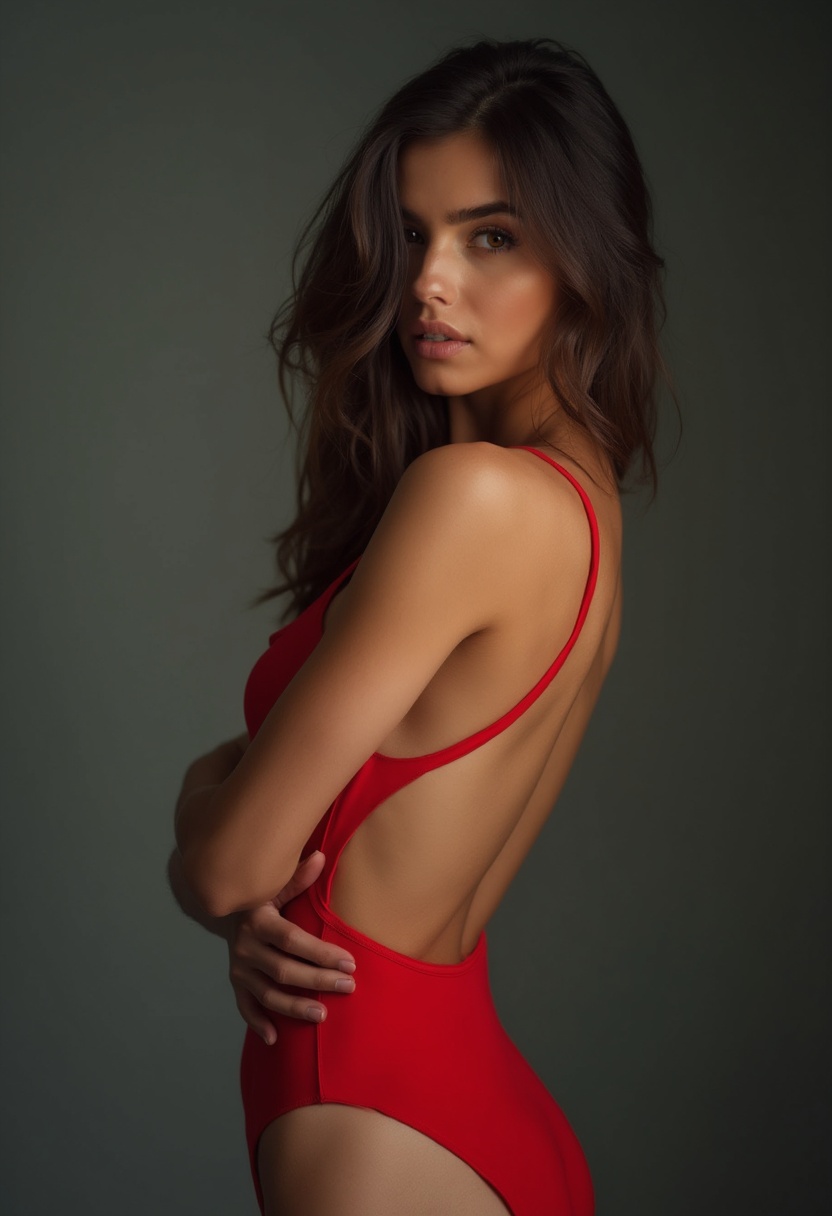
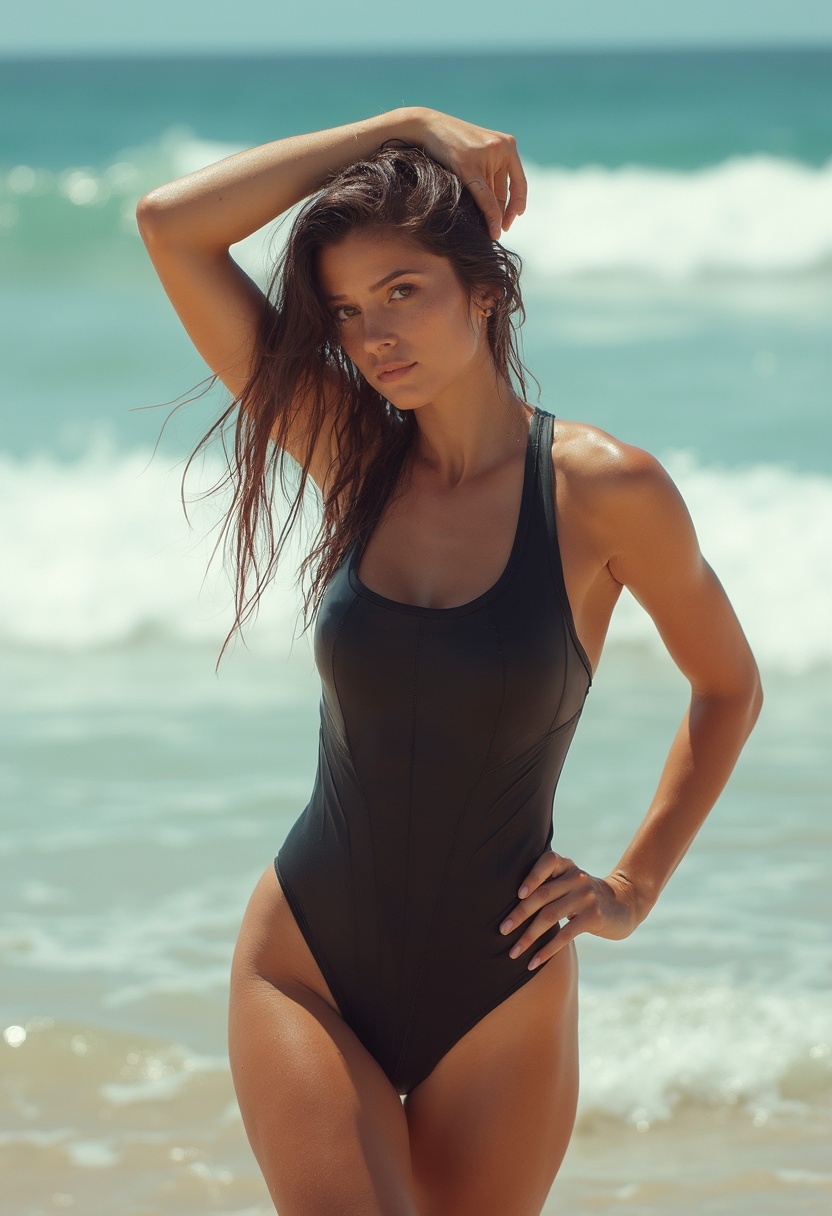
▲ Real examples generated in EGAKU (fal_flux_realism) from the prompt below. All AI-generated, fictional adult characters.
Prompt:photoreal portrait of a 25-year-old woman, athletic competitive swimsuit, poolside, wet skin with natural water droplets, soft golden-hour sunlight, shot on 85mm f/1.8, film grain, natural matte skin texture, subtle subsurface scattering, editorial gravure photography, high detail
Negative:plastic skin, oily shine, overexposed, airbrushed, cgi, doll-like, underage, child, extra fingers, deformed hands
Recipe 2: Idol / portrait style (original character)
That clean “idol” look comes from lighting, wardrobe and expression — not from imitating a real person. Real-person likeness is against rights and terms, so always use an original design.
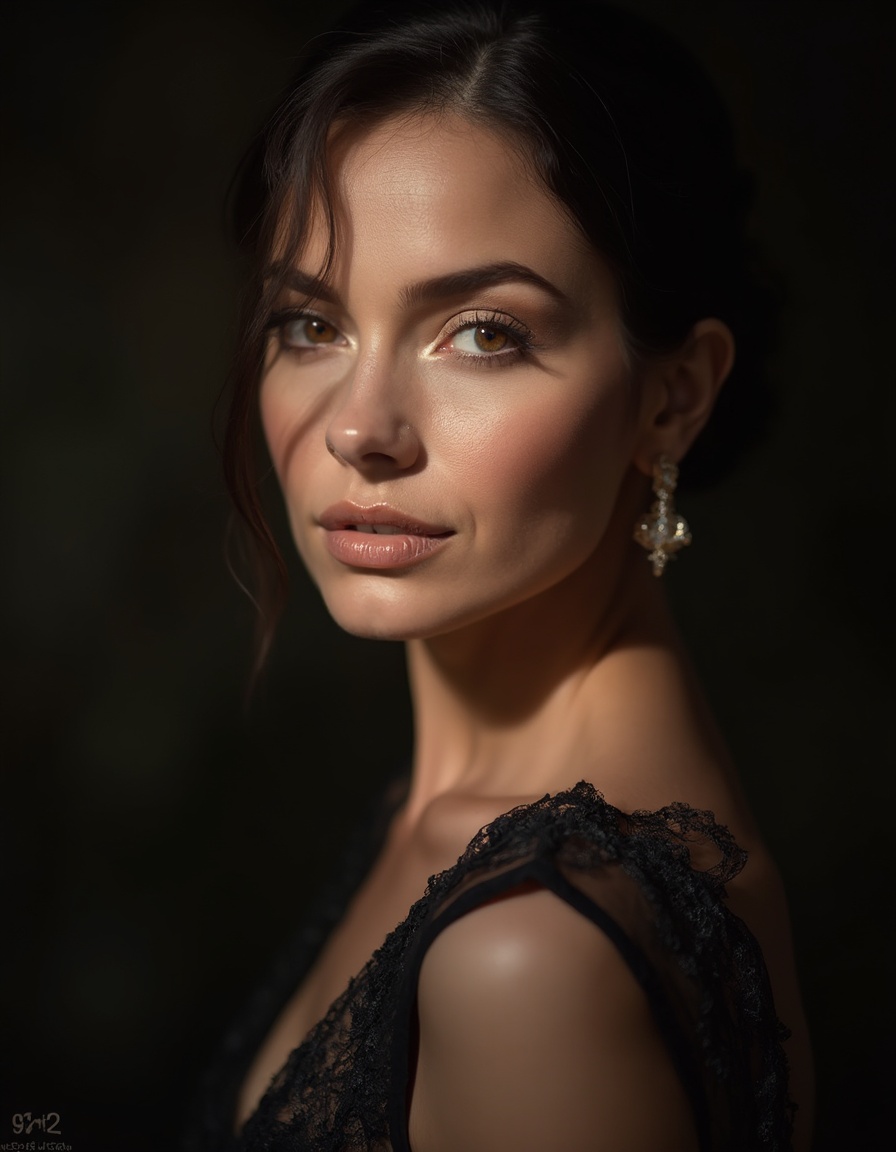
▲ Portrait-style example (EGAKU / fal_flux_realism — adult, fictional character).
Prompt:photoreal portrait of an original 22-year-old idol-style woman, bright studio softbox lighting, pastel stage outfit, gentle smile, catchlight in eyes, clean bokeh background, 50mm lens, natural skin pores, magazine cover quality
Negative:resemblance to real celebrity, watermark, plastic skin, underage, child, blurry, extra limbs
Recipe 3: The viral “photoreal” look → turn it into video
What's trending on X is taking a photoreal still and adding light motion with i2v (image-to-video). A blink, a hair sway, a faint smile — and it suddenly reads as real.
- Generate a still you like with Recipe 1 or 2
- Run it through Movie Board (i2v) — keep the motion subtle
▲ Recipe 1 still, animated with EGAKU's i2v (Wan 2.6) — a real ~5-second clip (no audio).
i2v motion prompt:subtle natural motion, gentle blink, soft hair sway in breeze, faint smile, cinematic, 5 seconds, keep skin texture natural
Finishing: 4 basics to kill the “AI look” → try now
- Light: soft light + golden hour. Hard direct light causes the plastic look.
- Lens: specify 85mm/50mm for natural compression and bokeh.
- Skin:
matte skin / pores / film grainto remove shine. - Negatives: always include
plastic, airbrushed, cgi.
Copy the recipe, and just make it. It gets rate-limited when busy, so now is the lightest time to try. → Make one free
This article is for adults (18+). All generated subjects are assumed to be adults and fictional original characters — do not generate likenesses of real people or any minors. Follow each service's terms and your local laws.