ℹ️新功能:沒有 AI 感的工具查看工具 →Read
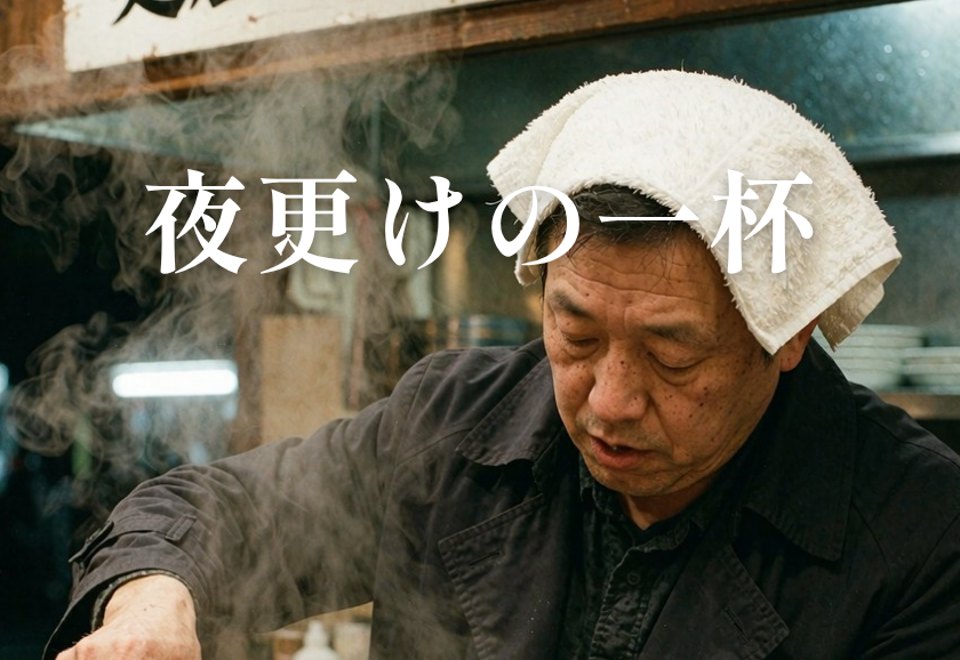
- 設計工作室: 畫面交給 AI,文字用真正的字體,海報和傳單不再有 AI 感。
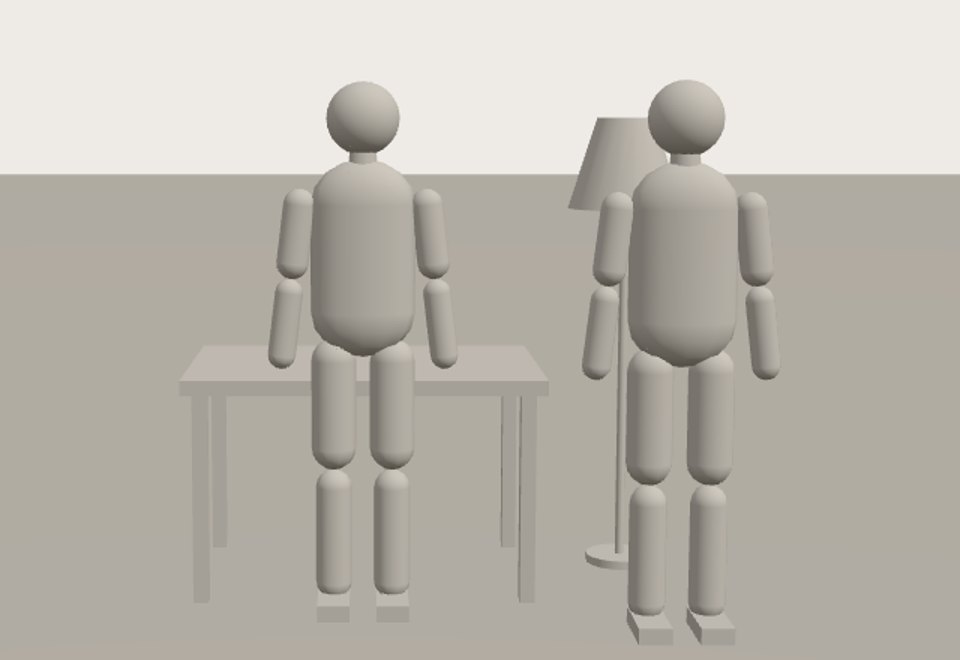
- 鏡頭配置: 用 3D 擺好人物、道具和攝影機,再照這個構圖生成。
- UGC 工作室: 把商品照片做成自然的開箱風影片。
- Movie Board: 一個想法做成短片。免費方案每週也能免費做 1 支。
首頁和工具列表也精簡了,更容易找到想用的功能。
🚀Three things you reported, and what we didSee plans →Read
Three problems people told us about. All three are fixed. Here is what was wrong, and what changed.
Restyling a video could fail with a wall of raw text. If you sent a clip to be restyled and something was wrong with it, you got a server error with the upstream service's raw response pasted into it — in English, as machine output. Two things were hiding behind that: the clip was longer than the model accepts, or the model declined the wording of your instruction. Both are things you can fix in a few seconds, and neither was being said plainly.
The length limit (2-10 seconds) is now checked when you pick the file, before anything is spent, and the clip is refused with its own length shown. When the model declines an instruction, you are told that in one sentence, with a suggestion to reword it or pick another model. And when a job fails after credits were taken, the credits come back — that path existed but did not actually return them, which we have corrected.
Training a character from your own photos would not start. If you picked roughly ten photos or more and pressed Start Training, it failed the instant you pressed it — "Failed to fetch", nothing in the log, every single time. Your photos were being sent at full camera size, so the request went over our upload limit and was turned away before it ever reached us. That is why there was nothing to investigate on our side.
Photos are now resized before they are sent — long edge 1024, which is the size the training uses anyway, so nothing that matters for a likeness is lost. Twenty photos go through. Your previews still show the originals. If a set is still too large, you are now told how large it is and what to do, instead of a silent failure.
A subscriber reported this on September 16 with 17 photos. Fixed on the 17th, and training has run normally since.
A crypto invoice could arrive for more than the price on the page. Reported from India in late August: the page showed ¥1,960, the invoice came for about $65. The regional discount was being applied to what you saw, but not to what you were billed. That was our mistake, not a currency quirk.
The invoice is now built from exactly the same regional price the page shows, and the response records which region and rate were used, so a gap like that cannot pass unnoticed again. If you backed out of that invoice without paying, the one you get now will match the page.
While we are here: you do not need crypto for the dedicated pages. Someone asked this and it is a fair question, because the crypto option is prominent. Any regular plan from Basic upward, bought by card, already includes access. Crypto is there for people who would rather pay that way, not as a requirement.
Kling 4.0 · Seedance 2.5 · Veo 3 · Nano Banana 2.1 · FLUX 3 等
EGAKU α·β — 自有圖像與影片模型打造你的 AI 角色。每張圖片、每段影片都維持同一張臉。
創造驚豔的圖片與帶有音訊的電影級影片 — 人人都能成為創作者。最新 AI 模型,臉部替換、拍照亭、短影片、分鏡工作室。免費獲得 50 點數開始。
不用註冊就能免費生成 5 次。註冊後再得 50 點和完整作品庫。
最新影片模型: Kling 4.0 · Seedance 2.5 · Veo 3 — 用點數即可使用(方案每月 ¥980 起)你想做什麼?
選一個目的,直接帶你到合適的工具。
AI 創作 · 無法拍攝
這些不是拍出來的。
而是打字打出來的。
每個畫面都需要攝製團隊、預算,以及不可能的物理條件。這裡的每一張都由我們自己的 α3 根據一行文字生成——每張圖上都標明了模型,真實的提示詞點一下就能看到。這面牆上沒有任何圖庫素材。
新功能 · 角色設定表 → 影片
描述一個角色。
得到一段可直接用於影片的片段。
填寫結構化的設定表——臉孔、服裝、氣質。EGAKU 先生成多角度的參考圖,再把它變成每一格都鎖定同一角色的影片。
- 名字Rina Mimura
- 血統mixed person with Japanese descent
- 外貌pale skin, straight black hair, athletic
- 服裝deep red asymmetrical dress, black wrist guards
- 氣質fearless downhill skater, raw realism
- 場景winding mountain road, golden hour
- 風格live-action photoreal, 35mm, immersive chase cam

同一張臉,同一套服裝。15 秒的動作,毫不走樣。
EGAKU 的不同之處
最容易露出 AI 痕跡的地方,我們做好。
保持同一個角色、決定構圖、用真正的字體排字——這是 AI 作品最容易露餡的三處。

立即試用
輸入提示詞,馬上生成圖像。
免費試用 5 張圖片 — 註冊獲得更多
精選圖像
價格
自動套用地區價格(最高優惠 80%)。支援加密貨幣付款,可匿名支付。
中國大陸:信用卡定期訂閱常常無法完成,請使用加密貨幣儲值或自架版本。
Pro:每月 4,000 點,優先佇列,10 個 LoRA,API
微信支付不支持订阅制自动扣款。若没有国际信用卡,请使用下方的一次性积分包或加密货币付款。
一次性購買,不是訂閱。點數永不過期。
常見問題
EGAKU AI 可以免費使用嗎?▼
可以免費開始:不需綁卡即得 50 點,另有每日登入獎勵。我們自己的 EGAKU α 圖像模型每張 2–3 點。其他模型(包括最新的影片模型)使用點數。付費方案每月 ¥980 起,價格會依你所在的國家調整。
有哪些 AI 模型?▼
我們自己的 EGAKU α(圖像)和 EGAKU β(影片,最長 60 秒),以及 Nano Banana 2.1、FLUX 3、Ideogram V4.5、GPT Image 2.5、Grok Imagine,還有 Kling 4.0、Seedance 2.5、FLUX 3 Max、Veo 3、Wan 3 等影片模型。另有 AI 音樂生成。新模型會定期加入。
可以使用社群模型嗎?▼
可以。Starter 以上方案可載入社群 checkpoint 模型,並可直接在生成頁面瀏覽和搜尋 10 萬+ 社群模型。
包含哪些工具?▼
圖像生成、影片生成、Photo Booth、Logo 產生器、迷因產生器、Wallpaper Studio、短影片、Storyboard Studio、換臉、角色鎖定、風格轉換、放大、去背、局部重繪、ControlNet 和 Prompt Battle。
支援非英語提示詞嗎?▼
支援。可以用任何語言寫提示詞,例如日文、中文、韓文、西班牙文等。AI 會自動翻譯以取得最佳效果。
有 API 嗎?▼
有。Pro 以上方案可使用 REST API,透過程式生成圖像和影片。